I’ve been using Photolab 9 for more than a year and I always had a custom file name setup that would save the photos to a subfolder based on yyyy/yy-mm. This was working perfectly until today when I updated Photolab 9 to its latest version.
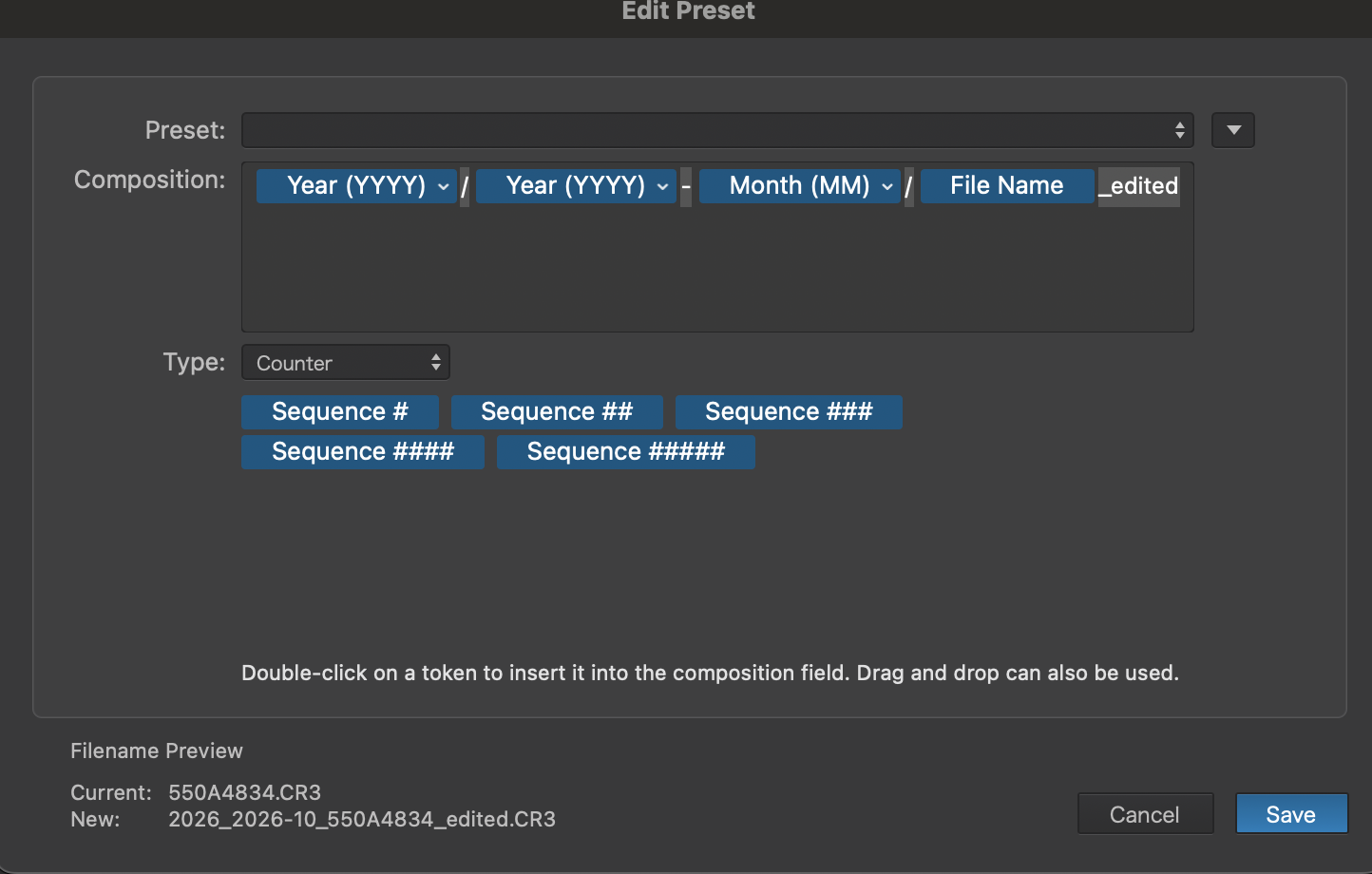
After the update, the forward slashes in the file name are automatically converted to underscore characters, and thus the photos are exported to the root folder instead, and I have to manually drag each photo to its appropriate year-month folder. You can see this in the attached screenshot. This is very suboptimal when working with bigger batches.
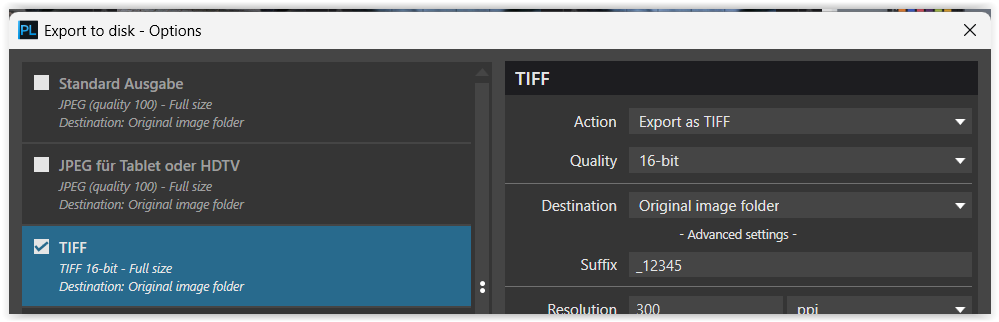
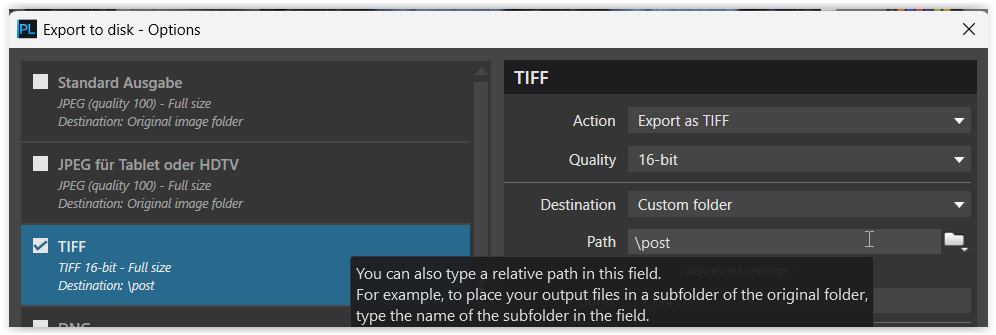
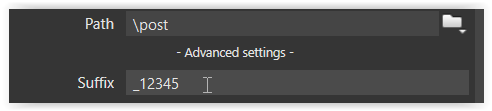
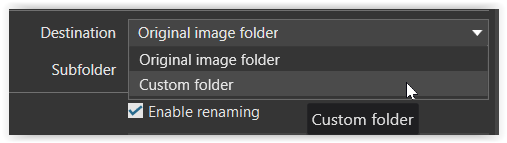
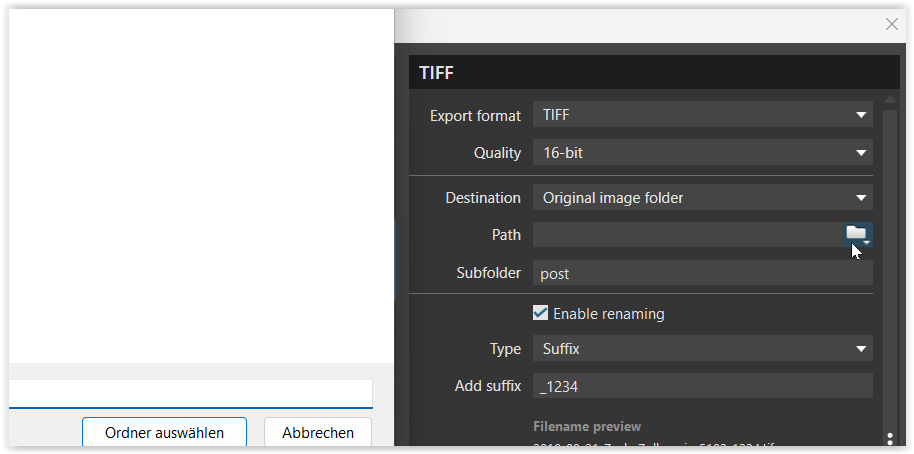
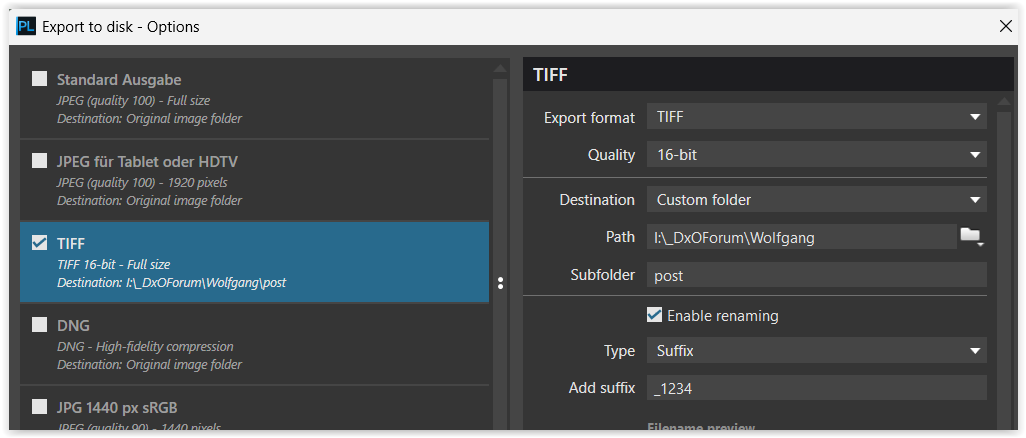
I also thought about using the subfolder option, but it doesn’t seem to allow use of dynamic tokens like shoot date.
Is there some way to achieve this or did they really just go ahead and remove any possibility of using dynamic subfolders?
I want to automatically set the subfolder to /year/year-month, so that each image goes to the correct folder based on its shooting date which is in the metadata.
To me it seems the subfolder setting doesn’t support dynamic tokens like shooting year and month (please correct me if I’m wrong), which is why I was using the advanced file naming as a workaround to achieve this until it was blocked recently.
Would love to know what’s the recommended way to do this. I really don’t want to manually set the export subfolders as that’s a waste of time and shouldn’t be needed with software that costs this much.
I was using this functionality too. I would use the job identifiers from IPTC/EXIF to select output folders for uploading to my website.
I filed a report on the subject as it should be an easy fix - they broke a working method - but they refused to fix it unless I provided them with a diagnostic file.
I’m guessing they only accept characters that can create a valid folder/file name but they failed to understand that a ‘/‘ is valid.
They broke it, they should fix it. If you open a support ticket they will demand a diagnostic file, if you can provide one then perhaps they may deign to fix it.
It’s from the Export window, advanced file naming settings. I believe I was using 9.8.1 on Mac before, and like LVS said, it was possible to use forward slash in the file name to route the export to particular folders based on EXIF metadata tokens.
For example I wanted to set export file name to /YYYY/YYYY-MM/originalname_edit. For an image shot on 25 September 2026, that would export it to /2026/2026-9/originalname_edit.jpg. That was no problem before, but now that forward slash is automatically replaced by underscore, it’s no longer possible to do this.
It would be great to bring back this functionality that was stripped away. Even better if we could get EXIF metadata token support for the export subfolder field, that would essentially enable the same outcome.
My Ticket number was #649089, they closed it as SOLVED because I did not provide diagnostic information despite the fact that it affected everyone and the diagnostic file would not provide them with any useful information.
They have a process that they follow blindly regardless of its value.
I don’t think there was a bug. I suspect that someone decided to add some error-trapping when building a filename in the export panel using tokens.
The following characters are illegal in filenames in Windows, < > : " / \ | ? *
But the ‘/‘ is a valid delimiter for a folder name in both Mac and Windows.
They could easily resolve the problem by removing the ‘/‘ as an invalid character from the substitution or adding tokenization to the sub-folder field.
Since the hack that used to work in PL9 doesn’t work anymore I decided to always export to the very same directory _DXO_EXPORT and then use a small Python script to move the exported files into the appropriate subfolders.