Hi Keith, I know I could Google this but I fear I’d run in to a wall of not-necessarily-helpful results.
Is there’s a concise resource that shows how easy (or not) editing photos in DR/DR:Studio is? A start-to-finish workflow perhaps?
I downloaded the non-studio trial but was quickly overwhelmed with the functionality - but to be fair I didn’t give it much time. If it’s as good as you say, perhaps I’m being too hasty.
I have not found one and I don’t have time to make one but I can give you a quick overview:
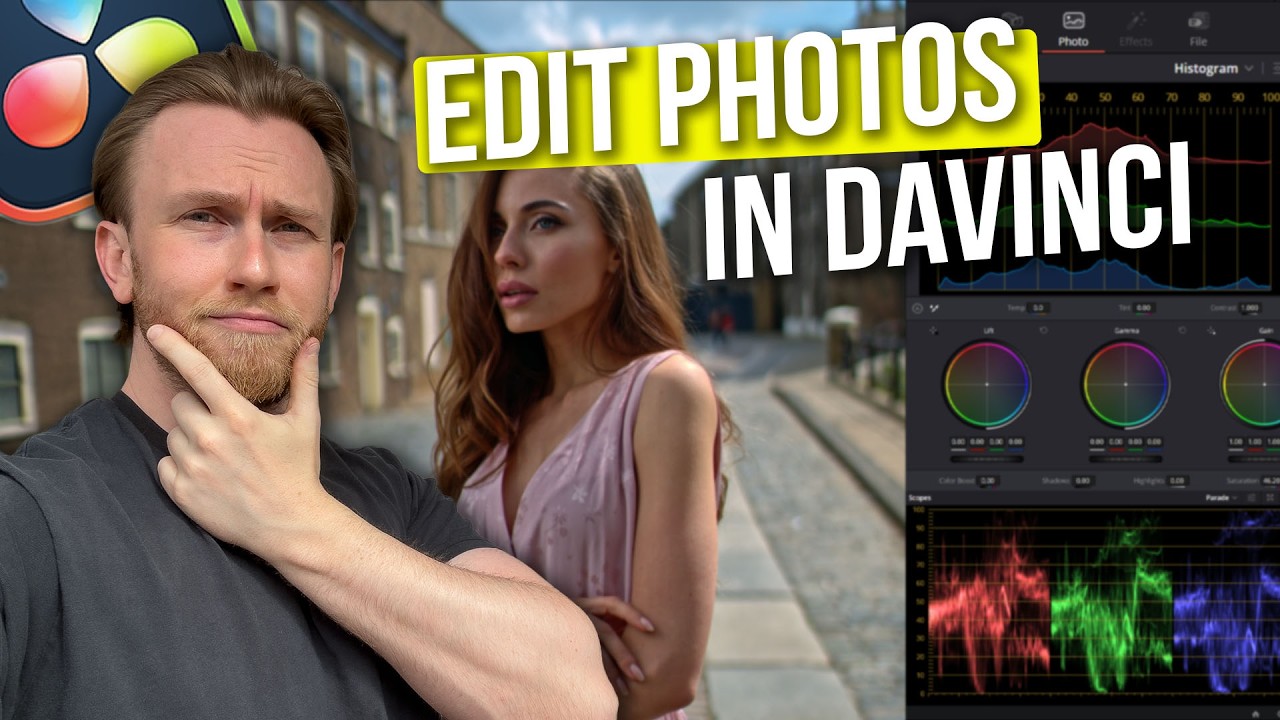
The Photo page can do the all the basics for you. The Inspector tab (you may have to show it by clicking the Inspector button at the top right of the screen) has a number of tabs, RAW, Photo etc. The RAW tab changes parameters used to demosaic the raw file. The Photo tab has functions that happen after demosaic and are similar to what you can do in other editors.
Below the viewer you can enable cropping and other on-screen functions.
Once you are done you can export or deliver your image(s).
For advanced editing you move to the Colour page. This is the same page used for video grading and there is a huge number of video tutorials on YouTube to help you here.
You can also add effects to your photos using the Effects panel.
Everything you can do to videos you can do to photos so the more you explore the more you will find you can do.
To keep it simple just use the Photo page, more advanced editing use the Colour page and for everything else use Effects and the Fusion page.
Thanks Keith that IS helpful - I’ll give it another go when I’ve more time and patience to try and learn something new
I think when I first booted it up, most of the options weren’t displaying (no Inspector tab etc.) so I didn’t see many editing options and thought “if it’s that hard to edit, maybe this isn’t worth it”.
I agree with what you’re saying, of course, but I’d like to add one point. Let’s keep in mind that social media is also a powerful marketing tool for creating negative sentiment toward a brand (or a product) . A few bad “reviews” and “comments” can have a strong influence on others.
I’m not saying that’s the case here, but since no one knows anything about everyone else, I think we need to take a step back from what this or that person might say, whether it’s very (too…) positive or negative.
I also think that most people who express their frustration quite directly—or even a bit excessively—do so from a distance, anonymously, and that their comments would be much more nuanced if they had DXO’s executives right in front of them. In other words, I believe that the way we communicate on social media distances us from the nuance needed in our perspective on things.
Nevertheless, nuance is a (usually) concept well known to photographers, isn’t it?
We don’t have DxO’s executives right in front of us, so we feel we have to shout louder - whether it’s because we truly believe we’ll be heard, or simply because it’s cathartic when we know DxO’s executives in all likelihood aren’t listening to us at all.
Every point I’ve made in these forums… I’d make to them directly. I might word it differently if I felt there were a snowball’s chance I’d be taken seriously, but I haven’t made these points for giggles.