I’d like to request proper dual-screen support in PhotoLab, similar to what Lightroom and Capture One offer.
The idea: keep the full working interface (palettes, tools, filmstrip, history) on the main screen, while displaying the edited image full-screen — with no UI, no overlays, no tool panels — on a second display.
This would be useful in at least two situations:
**Color-accurate monitoring**: working on a wide/ultrawide screen for the interface, while judging the actual rendering on a separate calibrated display (e.g. Eizo ColorEdge).
**Client-facing display**: showing clients a live, clean view of their photo (before and after editing) without exposing the editing interface — very useful for live photo sessions and events.
Right now, the only workarounds involve manually detaching palettes and rebuilding a custom layout each session, which isn’t practical for daily or live-event use, and still doesn’t give a truly clean, interface-free image on the second screen.
This has come up repeatedly in other threads here over the years — it would be a major workflow improvement if it could be prioritized for an upcoming release.
Welcome Leo but you are not talking to DxO here, this is a user forum. To submit this idea to DxO you must use the ‘other requests’ tab on this page: https://support.dxo.com/hc/en-us/requests/new?
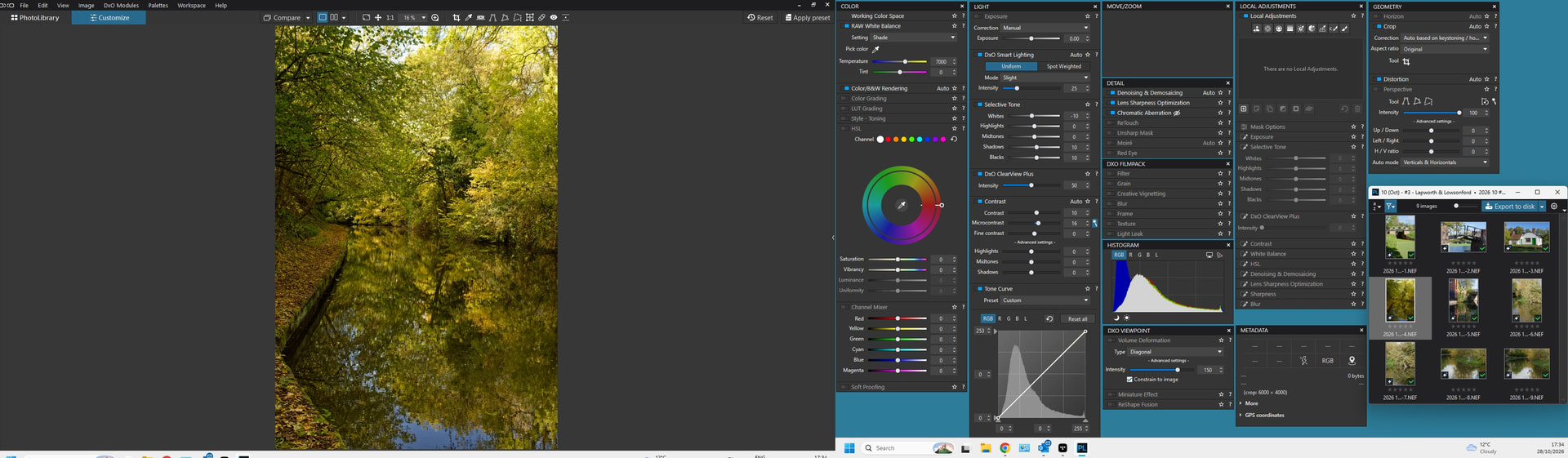
I operate with a dual screen setup, albeit with the image on the main monitor - see first screenshot. There’s no need to go “manually detaching palettes and rebuilding a custom layout each session” as after doing this the first time you can save the workspace (giving it a name) and then make that workspace your default on startup.
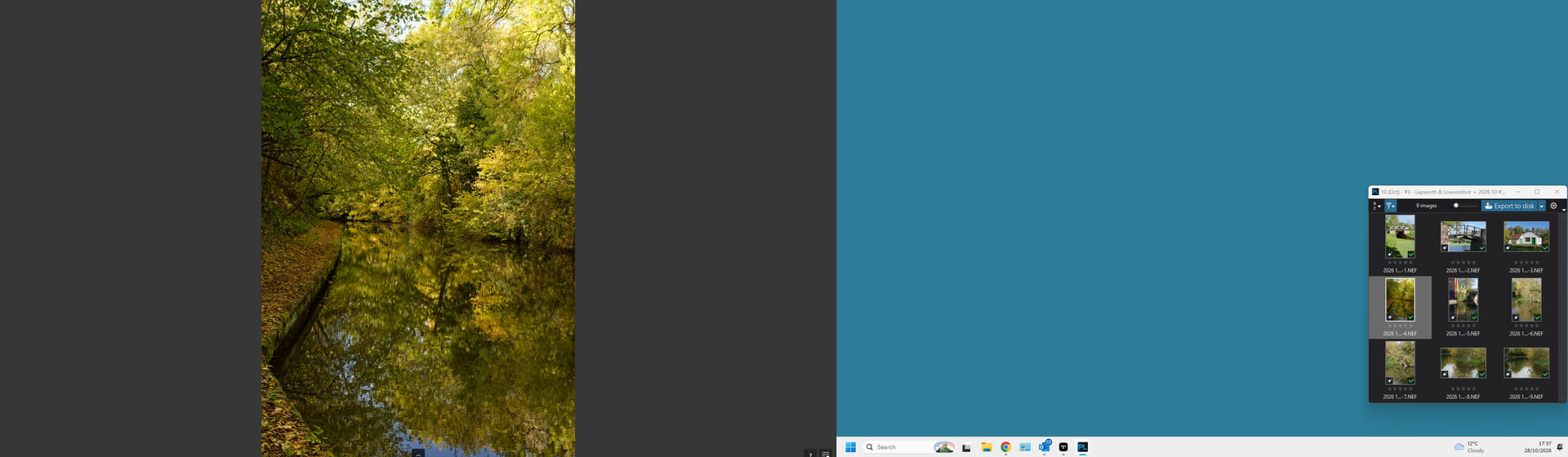
Flipping into Full Screen mode then produces what’s shown in the second screenshot. I can’t find a way to get rid of the two little symbols in the bottom right, but apart from that the only thing on show in the main screen is the image.
You can do this in this forum through a Feature Request topic. Some already exist for better dual screen support. If you can’t get PhotoLab to do what you want, have a look at these search results and vote/comment for any matching requests. If the existing requests don’t match your needs, this topic you created can be turned into a Feature Request. Hope this helps.
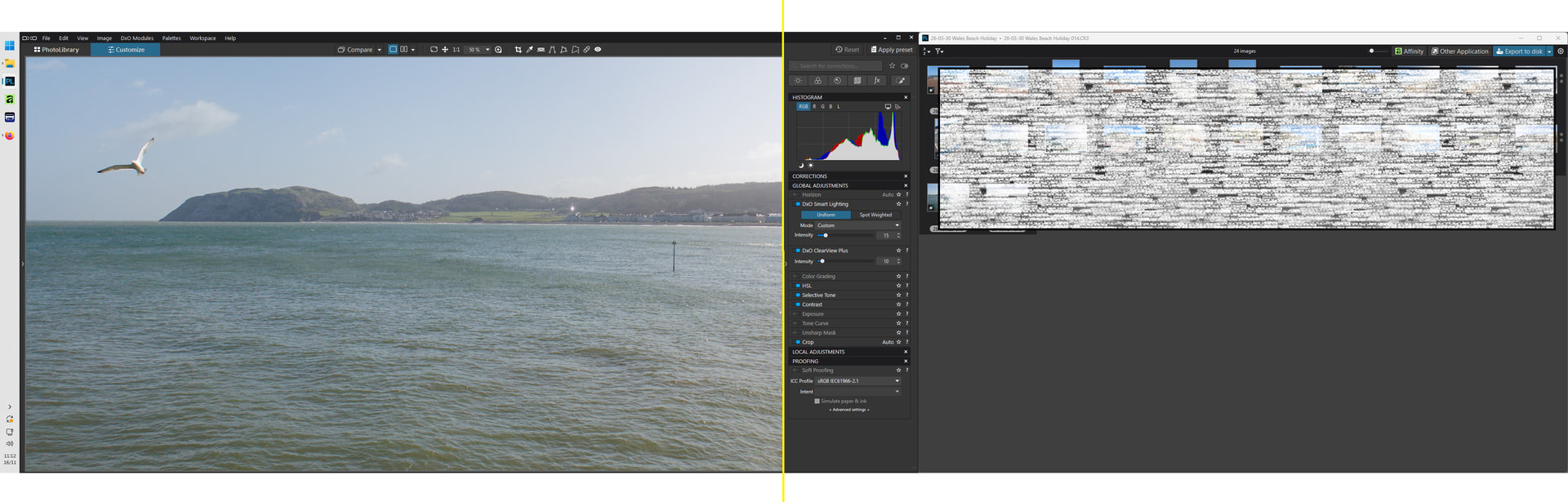
I have mine setup on 2 screens, the yellow line shows where my monitors meet in the middle. I keep the library view undocked over to the right and the tool pallet on the second monitor is just where I’ve stretched the main window into the second monitor. I tend to hide the left hand pallet if I’m not needing it so I’ve got a full screen image to work on.
The only issue was the windows never seemed to go back to where I put them when I next opened the app so I created a small Windows app that I’ve put on github (free) that locks the windows in place and if I accidentally resize one it snaps back to where I saved it.