For editing always use 16bit, regardless of your current screen rendition (10 or 8bit).
My Eizo CG2730, which is from the same ‘league’, is rendering in 8-bit
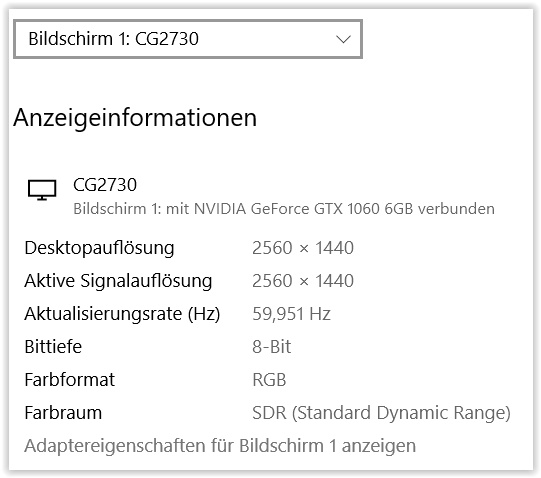
and so far I had no problems w/ gradation caused by the screen. 
For maximum quality use the widest colour range/space/gamut possible
and for internet and such convert correctly to sRGB …
I’ve been printing successfully from PS in AdobeRGB and 8bit,
but always print from an extra version, that takes into account
- the final size (40x50 cm or A2 format = 42x59,4 cm)
- output sharpening for the print
- correction depending on the paper (softproof w/ paper simulation needed)
- inscription (title, copyright/author, year)
- converted to 8bit (last step !)