That’s a rightout pointless comparison. The speedometer depends on a lot of variables and it’s result is “precise enough” to avoid you paying a speed ticket. That’s the only purpose of it in daily life.
But the number of pixels is always precise, never decimal or fractioned. And it’s hard to understand other apps CAN do a square crop and PL CANNOT.
So, to go back to your example, it can matter whether your speedometer shows 50 km/h and you’re traveling at 10% more.
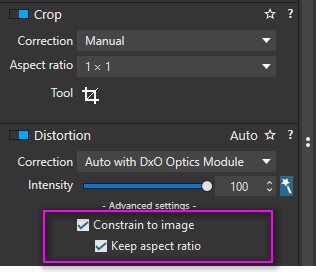
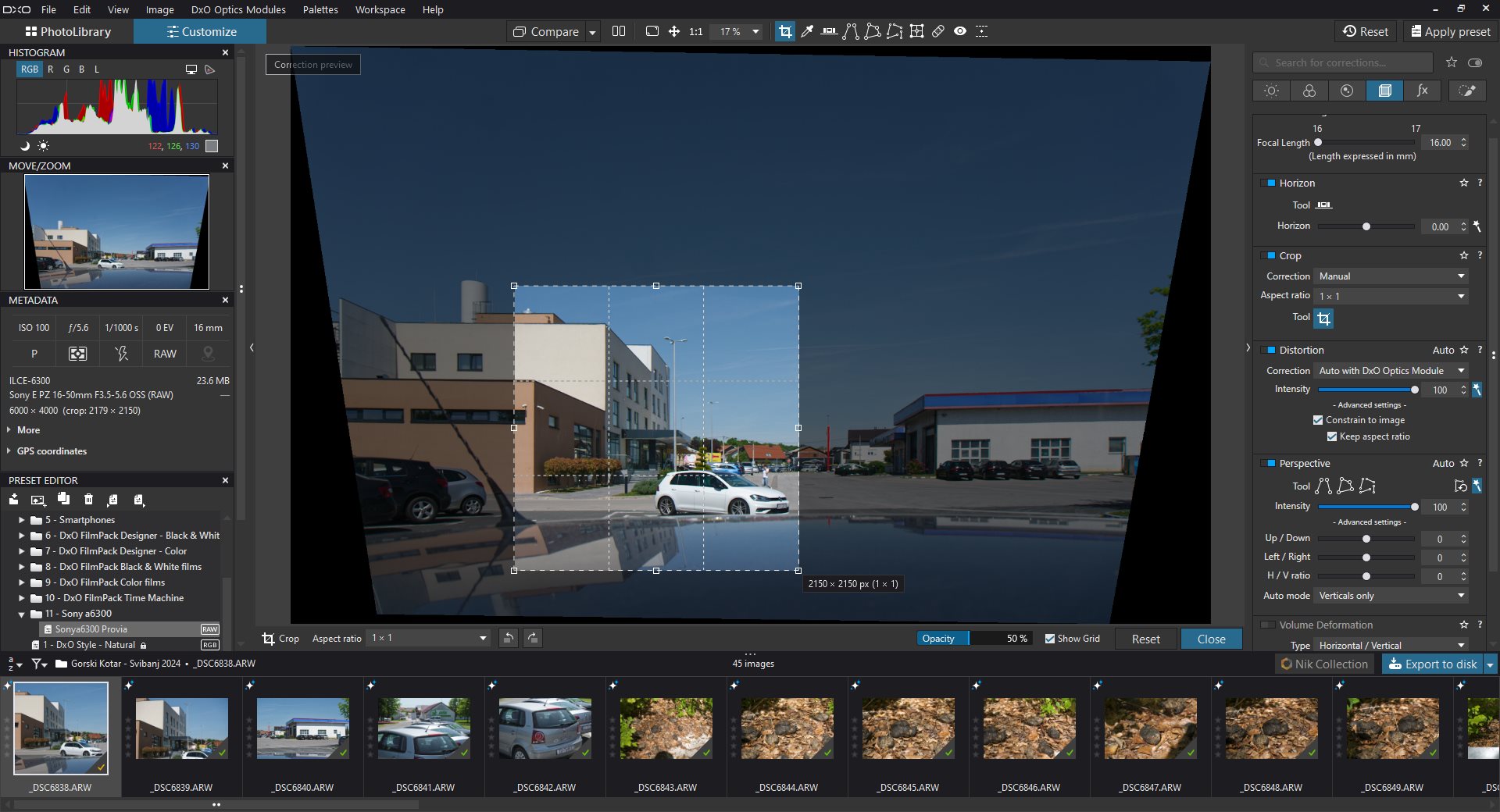
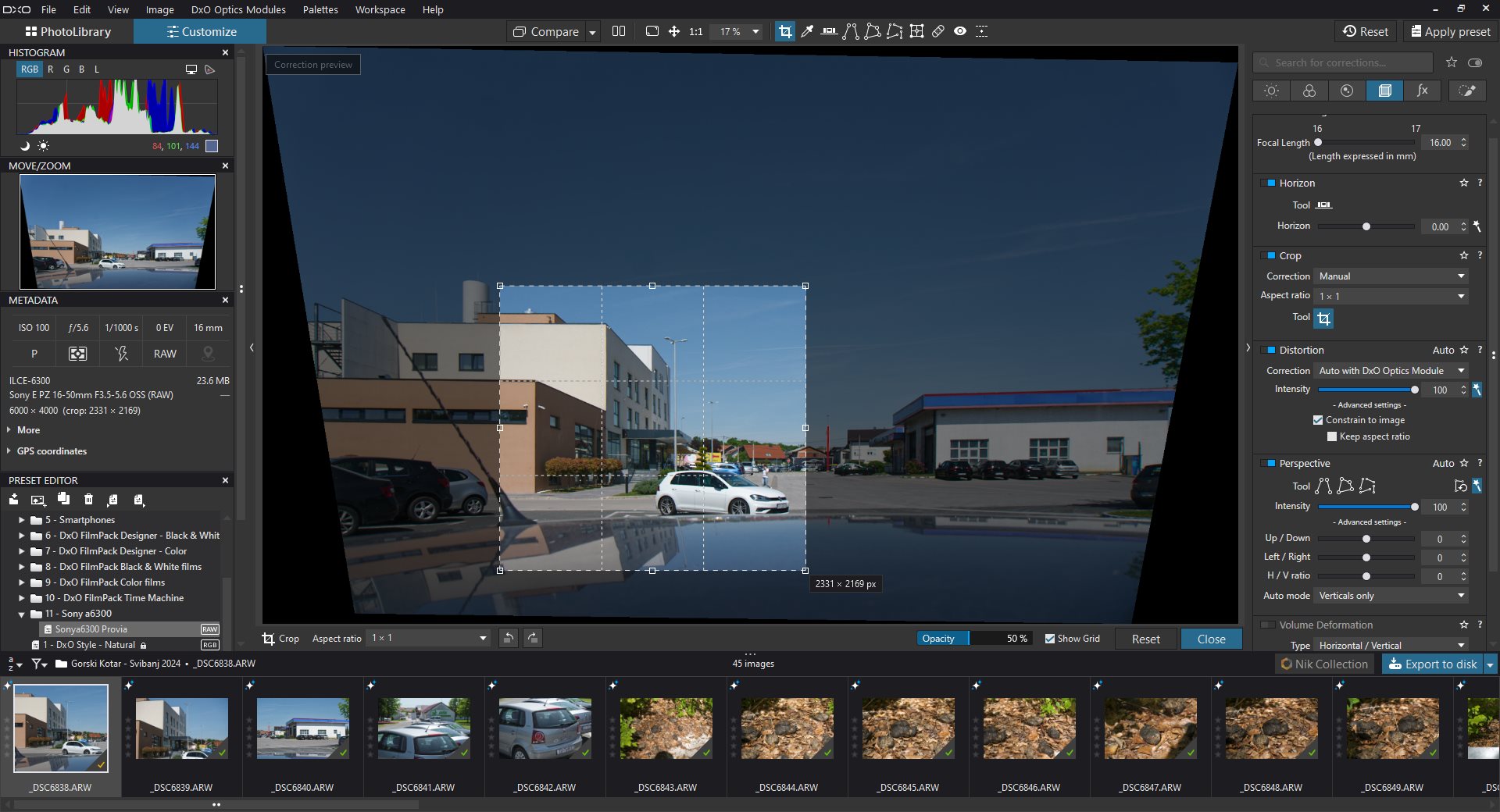
If user chooses to apply distortion corrections on a cropped image, software has basically two choices: (1) try to preserve chosen image area, or (2) preserve aspect ratio.
In PL you can choose between these options, as described in my posts above.
To avoid pitfalls, apply distortion corrections first and crop later, which is quite logical, no?
But let’s see what @FrancisM (OP) has to say.
EDIT: The difference between OP image dimensions is 2px, so it’s hard to explain with rounding errors. Rounding errors seem to be responsible for what @zkarj described above (I couldn’t reproduce it with PL7.7.2), which sounds like a different story.
No. If I ask for a square image (or any other ratio), I want a square image or this ratio. This is what is logical for me. The use I’m going to make of this image requires this ratio.
If I draw a crop rectangle, then maybe I want to keep what I see in this rectangle, and then only chosen image area is important. Which will anyway be somewhat different after aplying distorsion correction.
This is logical since you only really know then what you are framing.
What I find not logical in the same line of problem is that you can’t modify for example horizon (tweakin it again if you find finally it not perfect, or choose to modify it for aesthetic reasons) without loosing several already done corrections (heal or clone tool for example).
Always the same workaround : process your image and do further modifications on the processed image.
Which ruins the idea of non destructive workflow, and the idea to only keep raws on disk and process images only when an output is needed for a precise use.
Well, as a paying customer, I expect things to work and a crop ratio of 1 can easily be implemented. As one other person had said: “Software can do anything, if you can’t do it in software, you’re either lazy or incompetent”.
I have not seen a crop ratio of 1 being other than 1 in any other software I use. So all the others have gone that extra step to make it happen.
The common point in those stories is that I already have seen ratio change when doing other things than applying optical corrections after cropping .
I think this is when copy pasting some settings from one image to an other, and this is maybe related to different already done distorsion correction between those images.
So for me it is logical that if you choose a ratio, you need this ratio and it musn’t change whatever you do on your image.
This post seems to have gone off on a tangent or two - I want to crop an image exactly square - there are absolutely no problems doing this in Photoshop or Aperture, PhotoLab is a little fiddly.
Hi Francis,
Can you provide exact sequence of corrections which resulted in deformed square?
Otherwise it’s hard to judge whether it’s a bug or a feature.
I’m not going to try to figure out which edit causes the issue. It cannot be a “feature”. It shouldn’t happen.
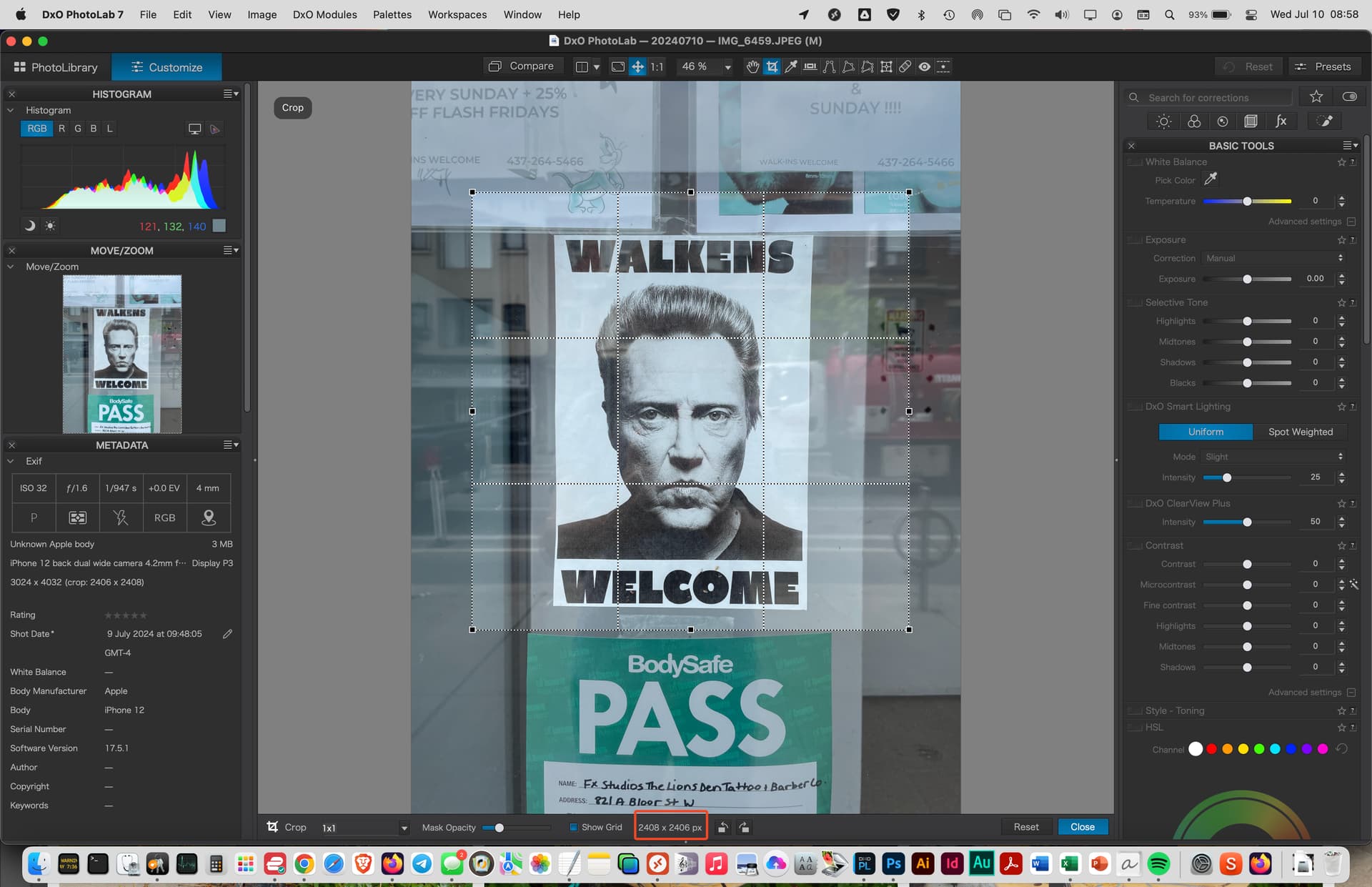
It doesn’t take long to reproduce the problem. I opened a jpeg image, made no edits, opened the Crop tool, set it to square and moved the square around a bit, changed the size a bit and suddenly you get a non-square crop.
PhotoLab made an improvement over OpticsPro by displaying the crop dimensions along with the size of the original pic. So far so good.
You can also not only choose an aspect ratio but you can type one of your choice.
However you never get what you want. I just did a test on a copy of a master that has no other geometrical editing with a 1x1 ratio and I got: 1303 x 1236, 1825 x 1731, etc. It’s not even close.
I suggested long ago there would be editable fields where you could type the dimensions you want.
On windows using DXO PhotoLab 7.6.0 Elite. I tried to use crop tool 1x1 ratio, I always get same dimensions in pixels for each side, JPEG, raw, doesn’t matter. I can’t seem to reproduce the problem. I also don’t ever recall having seen the issue myself, until I read it in the thread here.
Not sure how to reproduce the effect. I tried perspective correction, volume deformation, before and after, nothing throws of the crop tool for me. Its 1x1 same pixel dimensions for each side.
Than I think I found the setting that is causing the issue for people.
I could not reproduce it in this way on PL7.7.2/Win11 and several Nikon camera/lens combinations. I can get deformed square only the way described in my previous posts, with distortion correction involved in a specific way. The 2px difference makes it hard to explain by rounding errors. Sounds like a specific bug, which I would report to DxO support.
It was already mentioned above.
As said above, I can’t reproduce it, unless distortion correction is used after cropping and ‘Keep aspect ratio’ is switched off. This one sounds really strange.