@KeithRJ I believe the processor is for a laptop so adding a GPU is not going to be possible, i.e. a replacement laptop (new or second-hand) with a GPU with suitable power and associated VRAM is the only option.
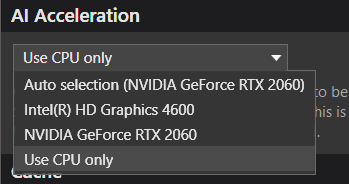
@Bhard Firstly are you using what GPU power you have by configuring PhotoLab to use the IGPU instead of CPU. In tests I did some time ago it was better to use IGPU than CPU but way worse than a dedicated GPU.
I have a problem simulating your configuration although my i7-4790K might give me an insight. It is a long time since I ever wondered about how much memory I should configure for the IGPU and that is probably the only reason I would consider adding additional RAM to you laptop(?), i.e. if some of that RAM can be allocated to the IGPU (if you are even using it).
I understand why you want to extend the life of your machine further, adding more memory should be reasonably cheap, providing your laptop has a nice convenient flap to allow access to the memory cards and you don’t need to throw the 16GB away in order to upgrade to 32GB!?
I don’t think that is going to happen just by increasing RAM, it needs a bit of GPU grunt and that GPU needs enough VRAM as well.
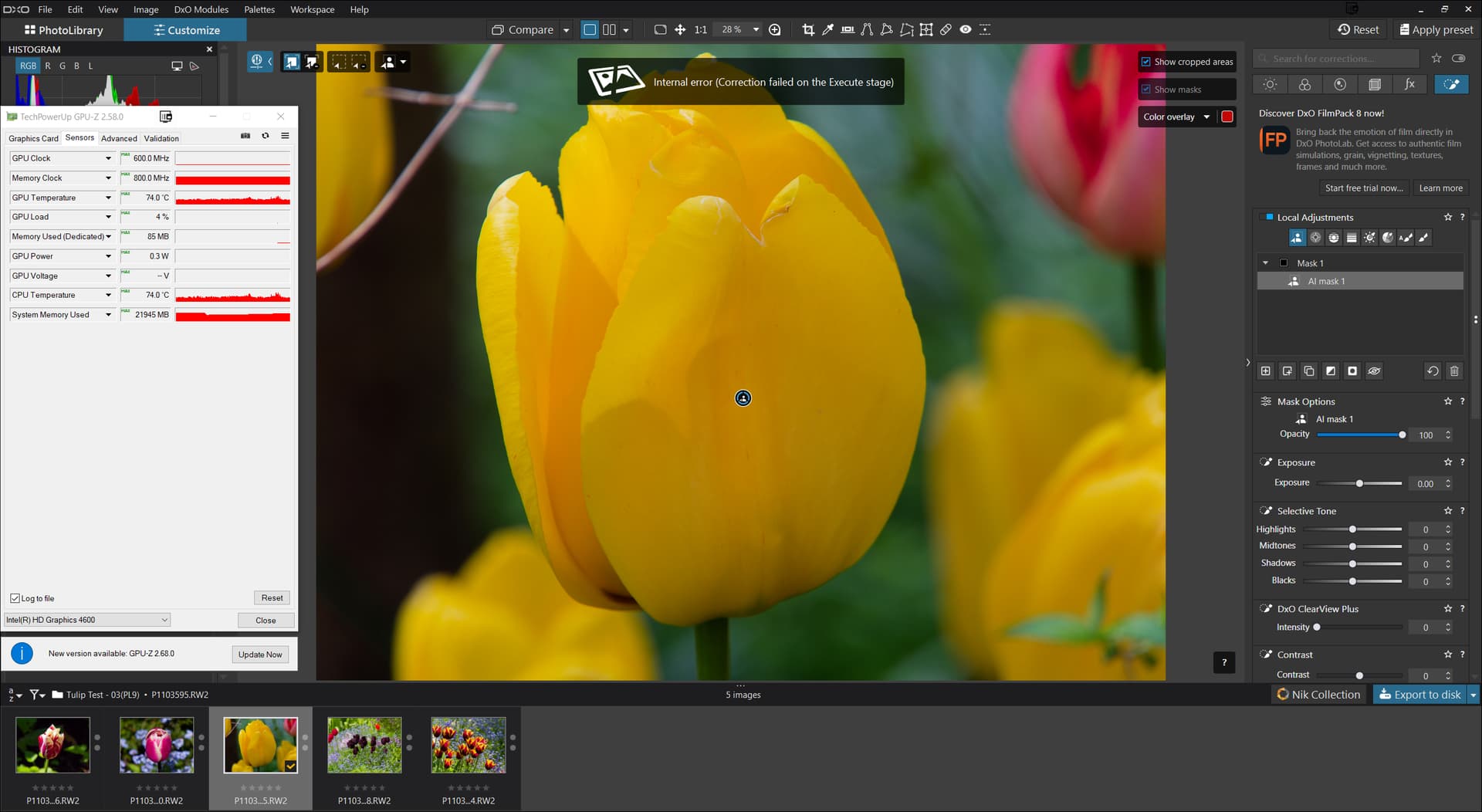
I tried using the i7-4790K with the PL9 GPU selection to be the the 4600 IGPU but I got this when I applied an AI selection
Switching to CPU only and just moving from an image with an AI setting to one which has none took 35 seconds and the same thing happens on an image with AI set every time I move the cursor!
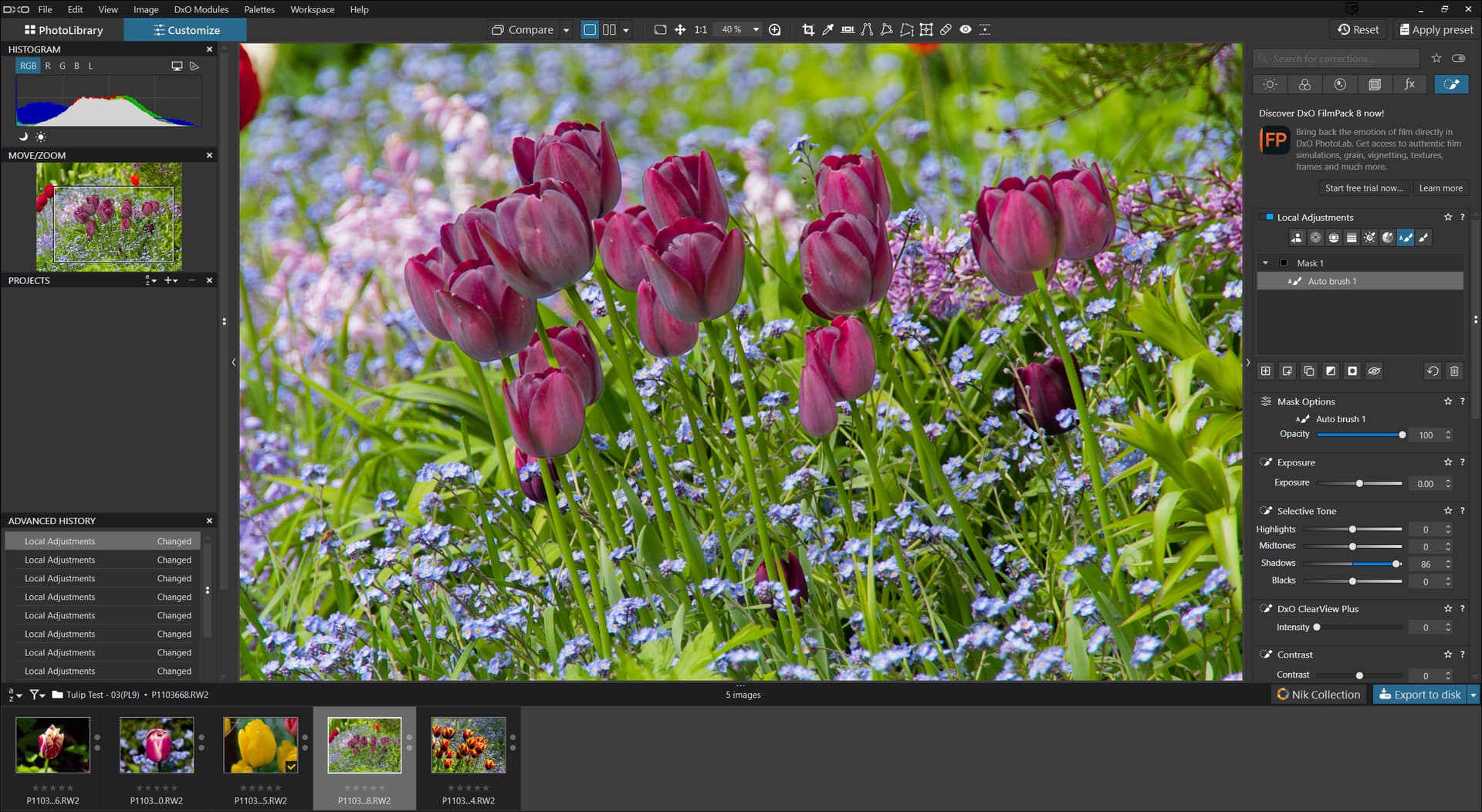
Using the autobrush feature of PL9 with just CPU selected works without undue delays and appears to be way better than automask in PL7 so there is something to be said for PL9 but adding the price of a new machine makes that an expensive upgrade.
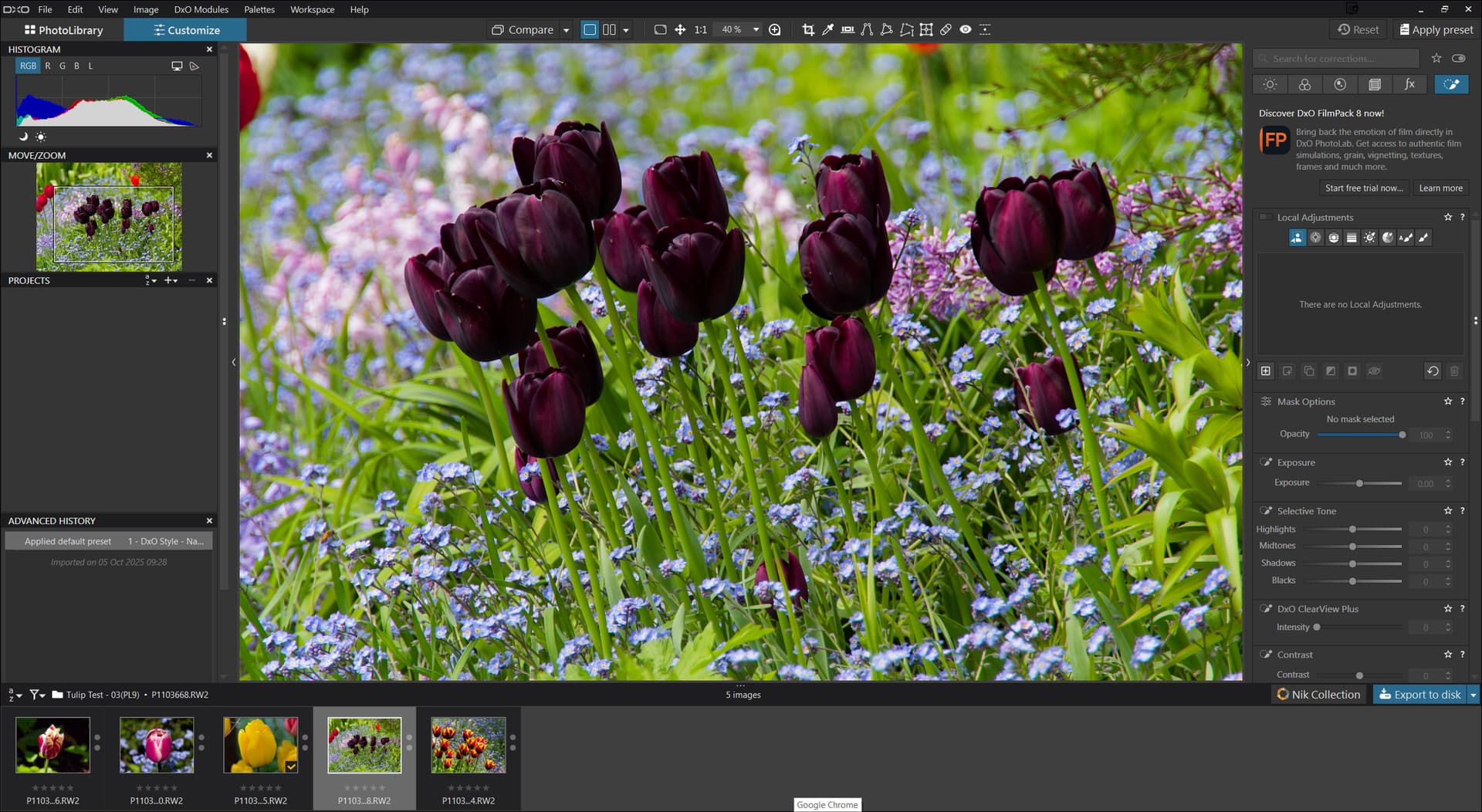
The tulips looked way better the way they were but I was just testing and needed to show the difference.
@Bhard Sorry but I don’t see how any more memory is going to help, even when the AI issues are corrected it appears to be too much for the processor to handle but might (or might not) allow the IGPU to help.
@Fineus the temporary “fix” is to go back to old NVidia drivers, unless that is going to interfere with other software. That this is necessary is reprehensible but …
My “problem” image with Sky AI doesn’t work with even very old drivers but it is a 2060(6GB) and I believe memory is the problem there. Plus the machine I used here was never intended to have PL9 I just got an additional trial copy to see if 6GB VRAM would work with the current workaround and it didn’t in my case.